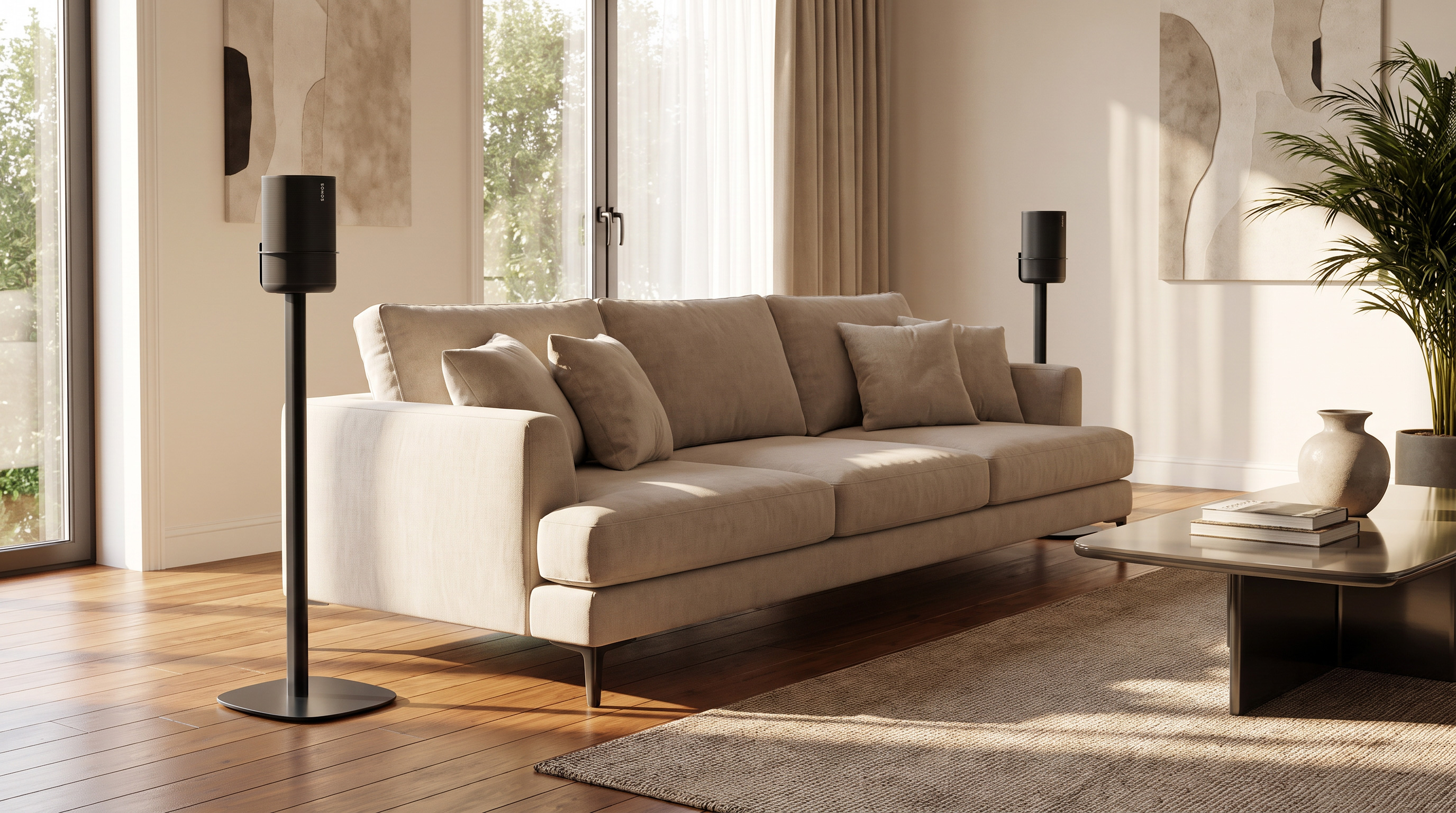
A Sonos Play surround stand gives your portable speaker a regular spot next to the couch while keeping it ready to take with you. That matters now that two Sonos Play speakers or two Move 2 speakers can work as wireless rear speakers with a suitable Sonos soundbar. Which stands suit this arrangement? Look beyond the model name and consider the height, the holder and how you will charge the speakers.
Sonos Play and Move 2 as rear speakers: what is possible?
Sonos supports two identical speakers: either a pair of Sonos Play speakers or a pair of Move 2 speakers. Compatible soundbars are Arc Ultra, Arc, Beam Ultra and Beam (Gen 2). The soundbar's microphone must be switched on.
After the initial setup, the speakers can connect automatically when placed in their surround positions. Sonos says this takes around eight seconds. Take one speaker away and both return to standalone use. You therefore do not need to set up your surround system again for every movie night. This is a Sonos feature; a stand does not add wireless connectivity or surround support of its own.
Here, Sonos Play means the portable model without a number in its name. Do not confuse it with Play:1, Play:3 or Play:5.
Choosing a Sonos Play surround stand
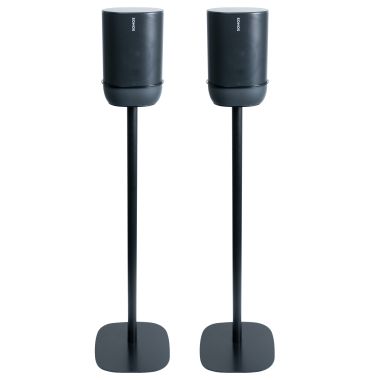
A surround setup needs two suitable holders. The black Vebos stand set for Sonos Play includes two floor stands. The speaker sits inside the ring of the upper bracket. The fixed height is 80 cm (approximately 31.5 inches), measured to the bottom of the speaker; this is not a height-adjustable model.
With this set, the speaker does not sit on its charging ring. To charge it on the stand, you can choose a suitable USB-C power adapter and cable separately. The basic set is shipped without cables. Decide beforehand whether you want to charge at the regular listening position or move the speaker elsewhere for charging.
Allow space for your hand and the cable as well as the stand's base. A position that looks tidy but is difficult to reach is less convenient for a speaker you regularly take with you. Before buying, check that the fixed height works with your TV setup.
Sonos Move 2 surround stands: check the exact fit
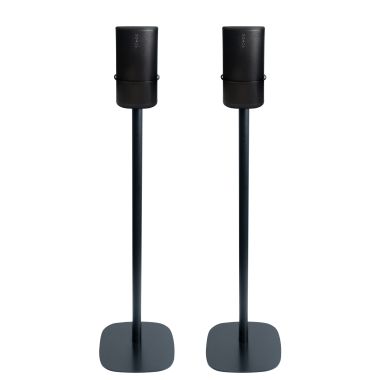
If you are searching for “Sonos Move 2 surround stands”, you are essentially looking for two floor stands for your Move 2 rear channels. Assess three things separately: does the speaker fit the holder, can you remove it as described in the assembly instructions, and does the charging connection remain accessible?
The Vebos range for Sonos Move includes different heights. However, the Move name alone does not confirm compatibility with Move 2. Have the fit checked for your speaker generation before ordering. A sufficient weight capacity does not, by itself, tell you whether the holder fits.
This distinction can prevent an awkward purchase: two stands may be the same height but use different mounting arrangements. Do not choose solely by color or the general “Sonos” label.
What height and position should you choose?
For portable surrounds, Sonos recommends the same height as the soundbar and a clear line of sight between the devices. That calls for a little more thought than automatically choosing the tallest stand. A soundbar on a low TV console and two speakers high up behind a cabinet are not a sensible starting point.
Look at the whole setup first:
- Height: measure the soundbar's position and compare it with where the speakers will sit. A stand height measured to the bottom of the speaker is not the same as the total height.
- Furniture: check whether a couch back or cabinet blocks the path between speaker and soundbar.
- Floor space: make sure the base can stand clear of obstructions and is not in a frequently used walkway.
- Everyday use: keep the speaker and any charging cable within easy reach so that taking it with you is straightforward.
For more general guidance, read our article on creating surround sound with speaker stands. For this portable surround feature, the specific guidance above still takes priority.
Setting up and switching back without surprises
Update the app and all devices. Separate any existing stereo pair and remove any existing surrounds. Add the devices as separate rooms first. Then select your soundbar's room in the Sonos app and follow the steps to set up surrounds.
Next, test your chosen positions. Start playback on the soundbar and check that both speakers return as surrounds. This will not happen while the portable speakers are already playing independently or connected via Bluetooth. Sleep mode, a different Wi-Fi network or a blocked line of sight can also prevent the switch.
Frequently asked questions
Can I combine one Sonos Play with one Move 2?
No. This feature requires two speakers of the same supported model.
Do I need special electronic surround stands?
No. The stand physically supports the speaker. Choose based on fit, positioning height and charging options; the surround feature is part of the Sonos system.
Will any 80 cm stand work in my living room?
No. The right choice depends on your soundbar's height, the speaker's dimensions and the furniture between them. Measure your setup before choosing a fixed height.
Can I keep using my existing rear speakers?
You cannot use the portable pair alongside an already paired rear-speaker set. Remove the existing surrounds in the app before switching over.
Can I charge my Sonos Play while it is on the stand?
With the black Vebos set mentioned here, you can use a suitable USB-C power adapter and cable, available separately. The charging ring is not used on this stand.
How do I keep the stands from getting in the way?
Measure the available floor space, allowing for the base plate and cable route. Keep walkways clear and make sure you can pick up the speaker without reaching around furniture.
Plan your setup first, then choose the stand
A good surround position also needs to remain a convenient place to pick up your portable speaker. First decide where the speakers can go, measure the height and check how you want to charge them. Then explore the Sonos Play stands or have a holder checked for your Move 2. That way, you buy a stand that suits how you use your speakers, not just the name on the box.